Obituary photo
Make the obituary photo clear, and keep it honest
Newspapers and funeral home websites shrink the photo, so a faded or soft print becomes a blur. NNC Restore repairs the damage, sharpens the face without changing it and returns natural colour, so the small obituary photo still reads as the person. About two minutes, $5 for one photo, no subscription.
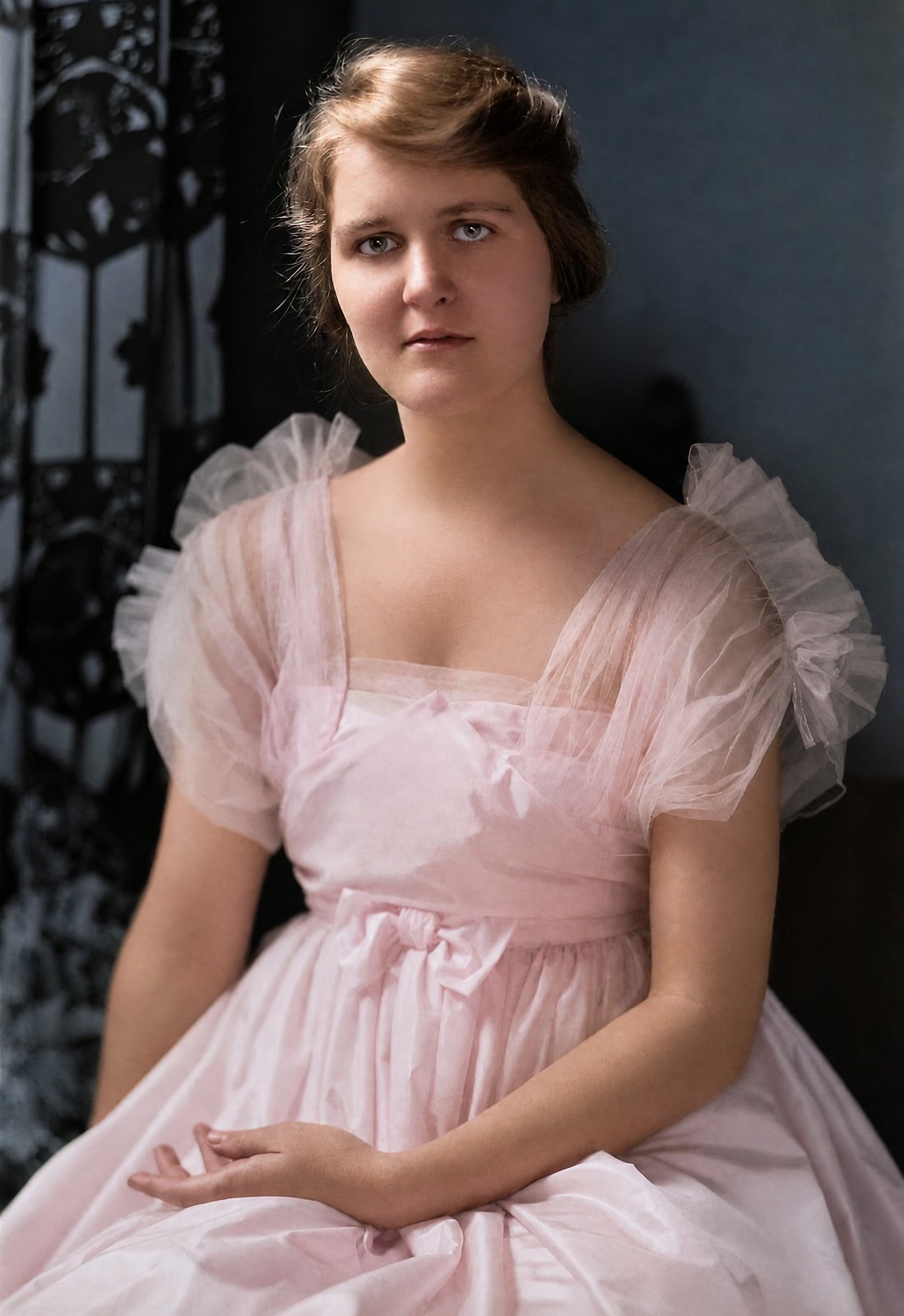
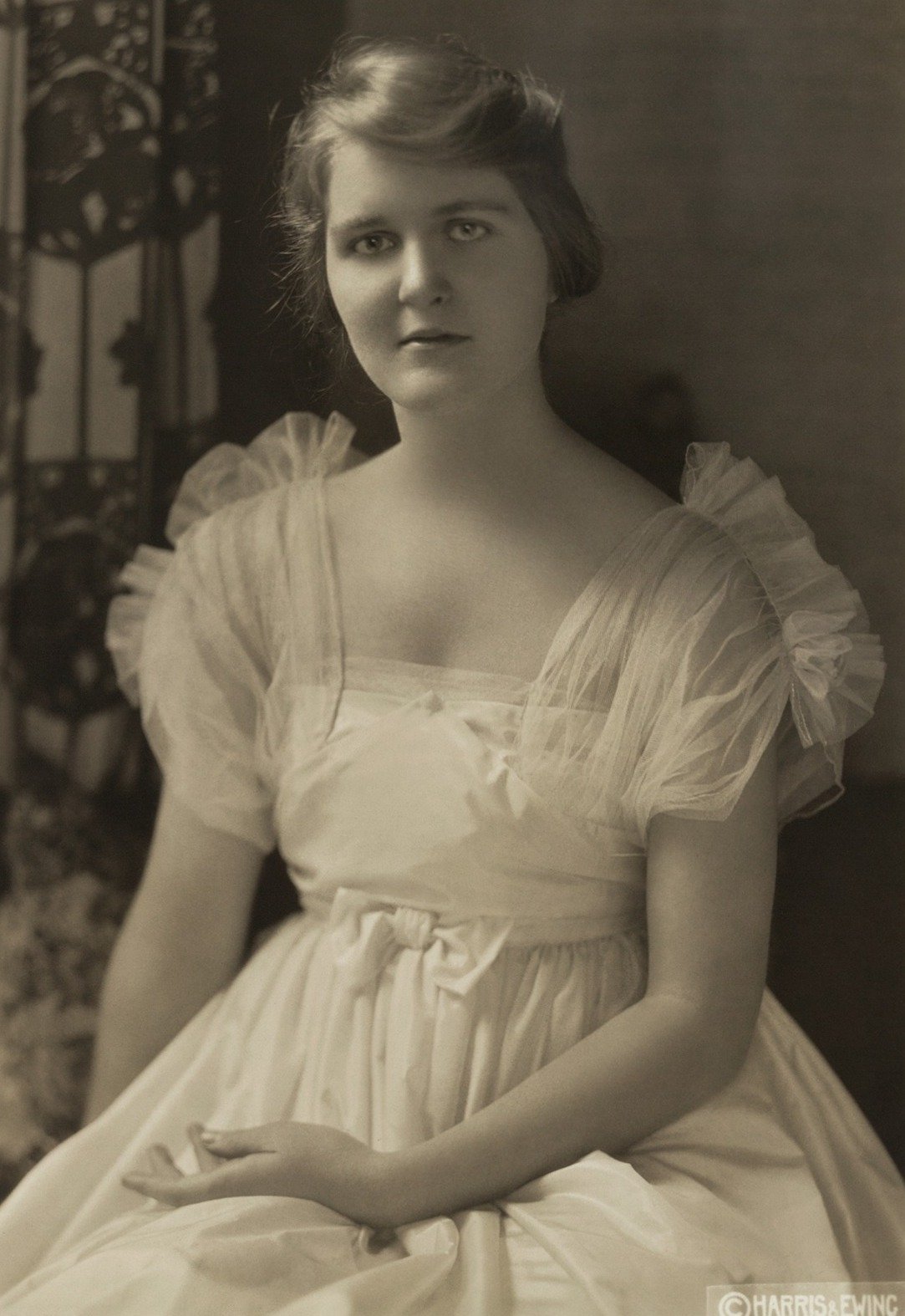
A 1915 studio portrait, restored. Drag to compare.
What an obituary photo needs
- Sharpness at small sizes: eyes, mouth and hair line defined, not smeared.
- Fading and colour cast removed, so skin looks natural in print and on screen.
- Scratches, dust and creases gone, so the newspaper crop is clean.
- A black-and-white print stays black-and-white if that is what the paper needs; colour is optional.
- The face, glasses, expression and age stay exactly as in the original.
Three steps, no scanner needed
- 1
Send the photo
Phone photo of the print, scan or digital file. Up to 15 MB.
- 2
Restore in about two minutes
Damage detection, colour, denoise and sharpening in one pass. You approve the crop before anything is charged.
- 3
Crop and send
Download the full-resolution file and crop it for the newspaper, the funeral home and social media. Most obituary systems accept JPG.
What stays the same, on purpose
- The face, expression, eyes, hair and age.
- Glasses, jewellery, hats, uniforms and every other detail they wore.
- The framing and the people in the picture. Nothing is added, nothing is removed.
Restoration is AI-assisted. Small deviations can happen. If a face has changed or the result is unusable, we re-run it free. If it still fails, we refund that photo. We can't refund a successful restoration just because of taste. Your first purchase is covered by a 7-day money-back guarantee.
Questions people ask before their first photo
What size does a newspaper obituary photo need?
Most newspapers ask for at least 300 dpi at the printed size, which a 2K file covers easily. Funeral home websites and social media need far less.
Can I keep it black-and-white?
Yes. Colorization is part of the standard pass, but you can keep the black-and-white version; tell us at support@nncvision.com and we set it for your account.
Will the face still look like them?
Yes. The restoration keeps every face, expression, age and accessory exactly as in the original. It repairs damage and returns natural colour; it does not beautify, re-age or re-imagine anyone.
Do I need a subscription?
No. One photo costs $5, pay as you go. If you have a box of photos, a monthly plan from $9.99 is cheaper per photo, and credits you buy never expire.
Are my photos private?
Photos are private to your account, transferred and stored encrypted, never used to train any model and never shared. Originals are deleted automatically 30 days after a finished restoration; you can delete anything sooner.
What if the result is not right?
If a face has changed or the result is unusable, we re-run it free. If it still fails, we refund that photo. We can't refund a successful restoration just because of taste. Your first purchase is covered by a 7-day money-back guarantee. Write to support@nncvision.com.
Make the photo clear for the notice
$5 for one photo, about two minutes, no watermark, no subscription. Plans from $9.99 a month if you have a box of them.
Restore a photo